
Haptique OS · Local home control
Your home and AV.
Controlled locally.
Run Haptique OS on your own computer. Bring lights, music, entertainment, and scenes together, with AI assistance and optional remote access.
- Runs on your hardware
- AI assistance
- Remote access optional

App preview
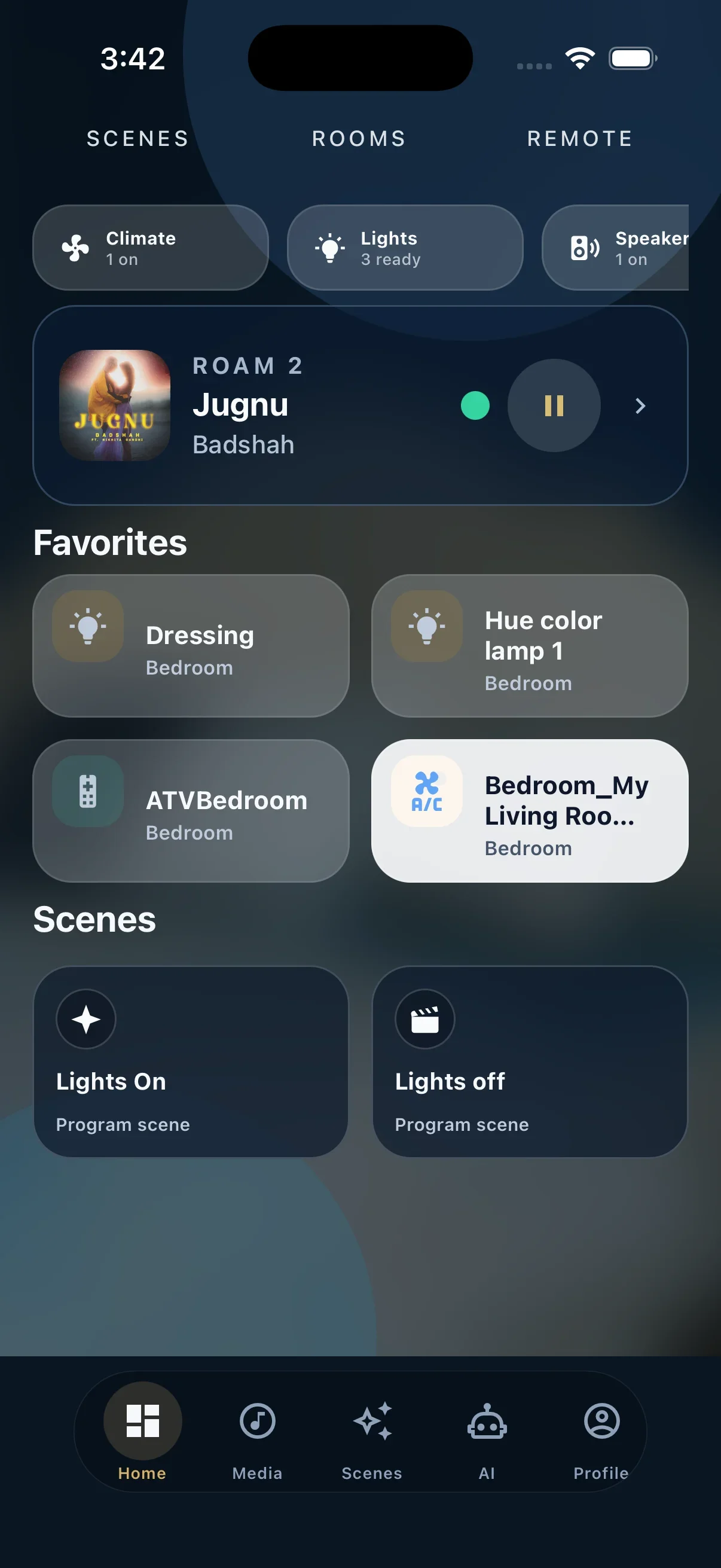
One control surface across every screen.
Control the same rooms, scenes, and media from iPhone, iPad, the Mac companion, or RS90. The Android app is coming soon.

AI Agent
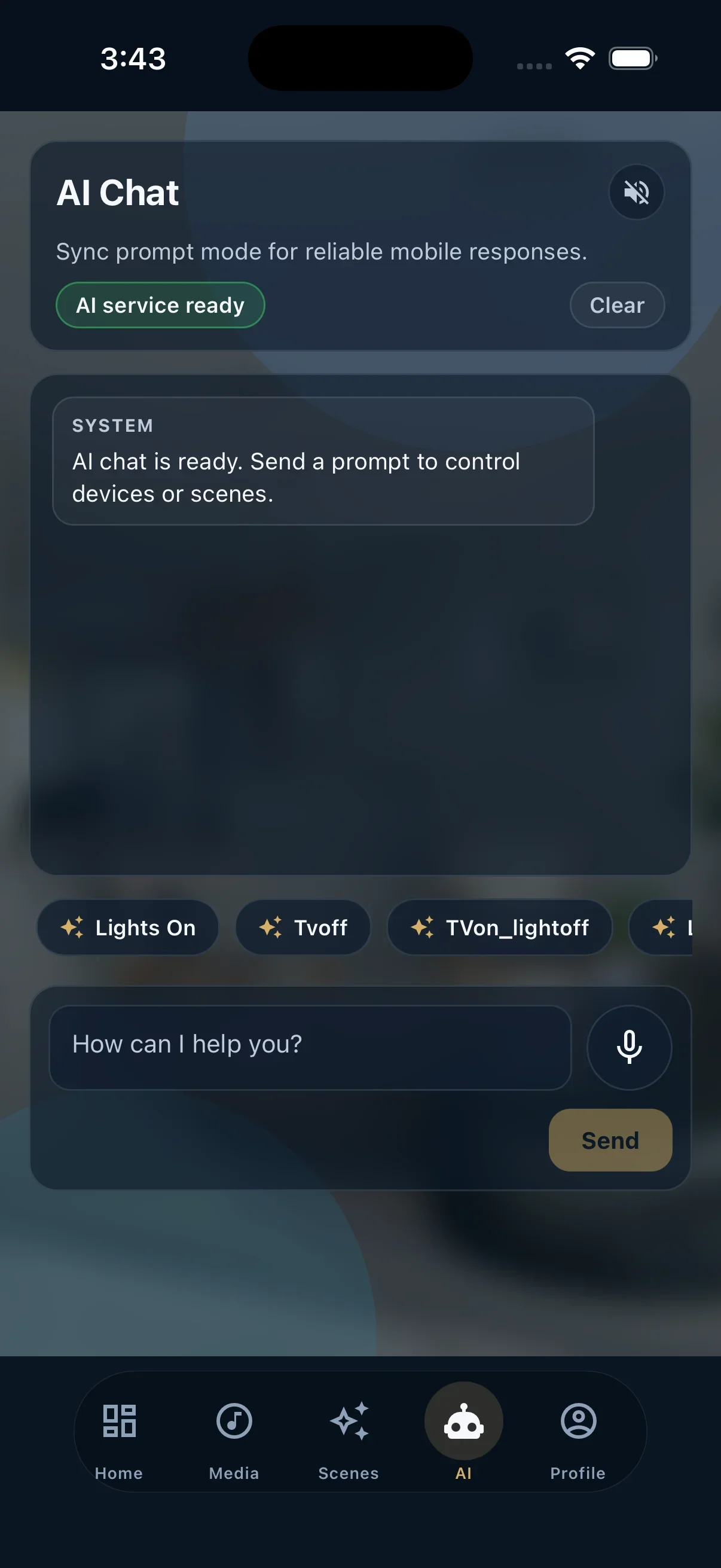
Ask your home.
Say “Movie night in the lounge” to prepare your lights, AV receiver, and screen through one scene. AI assistance is available in the apps and browser interface.
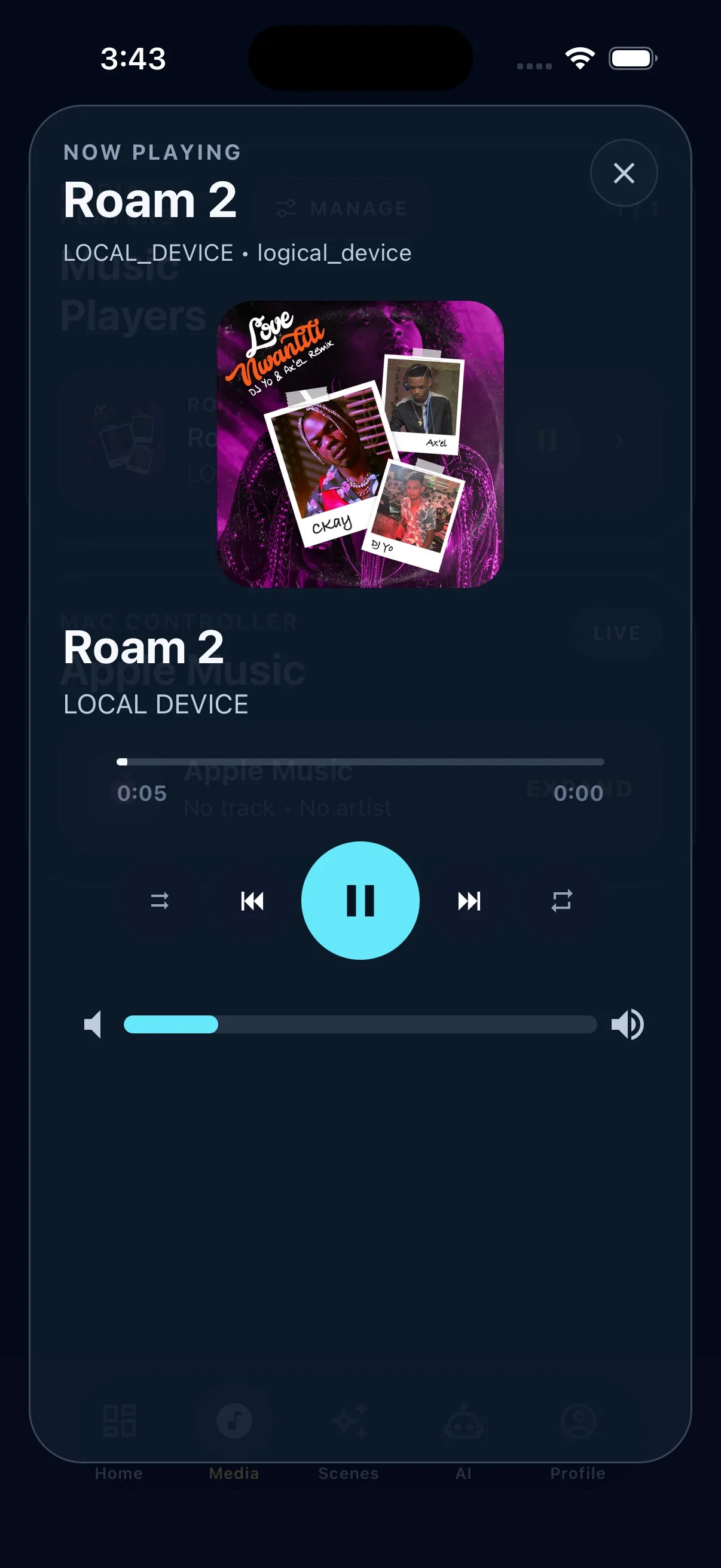
Haptique Music
One music command center for the whole home.
Turn Haptique OS into a local-first music server: browse libraries with artwork and artist views, play internet radio, build queues, route playback to supported outputs, and manage zones from web, mobile, or RS90.


HOS Server
Built for Mac. Runs on Windows and Linux.
Install Haptique OS on the computer that lives with your home: Mac mini first, with Windows and Linux support for other setups.
Download installersMenu bar companion, local hub, Apple Silicon ready.
Local server for mini-PCs and installer workstations.
AppImage and Debian builds for x86_64 hosts. See downloads for container options.
Platform
Local control. AI assistance. Room to grow.
Local at home. Reachable anywhere.
Rooms, scenes, state, and AV commands run through your hub. Optional cloud control keeps you connected when you are away.
- Local command routing
- Your home settings stay on your server
- Direct control on your home network
- Optional remote access
- Choose a supported Mac, Windows, Linux, or Docker host
Features
What it handles.
Local-first operation
Scenes and state on your hub.
Fast LAN control
Direct LAN command routing.
AI-assisted scenes
Draft scenes and automations.
Apple Home support
Expose devices to Apple Home.
Runs where you install
Mac mini, NUC, Pi, ARM, or x86.
Your home, your server
Home settings stay on your local hub.
Integrations
70+ drivers.
One runtime.
AV, supported audio outputs, smart home, protocols, and custom drivers.
 Home Assistant
  Homey
Homey  IP-Symcon
  SmartThings
 Apps
 RS90 Mac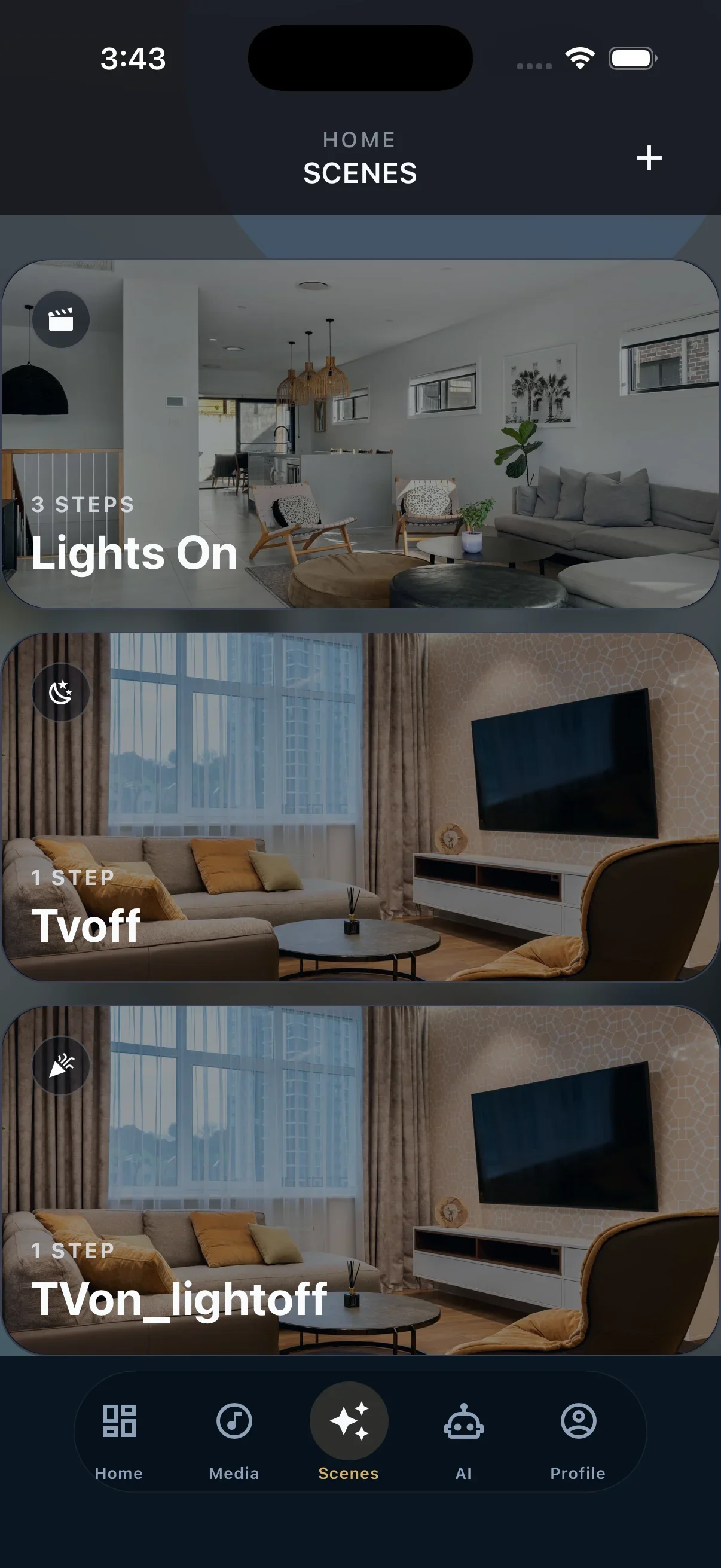
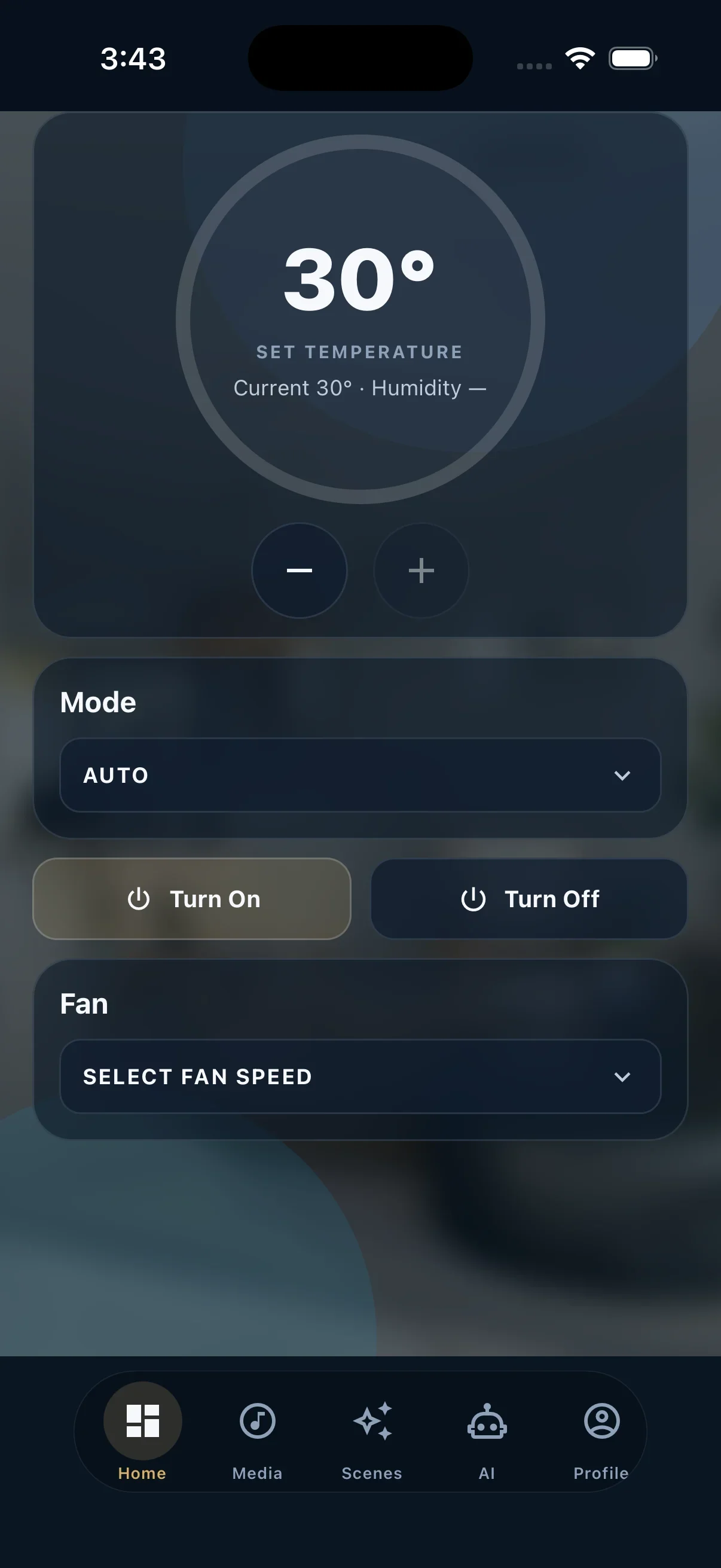
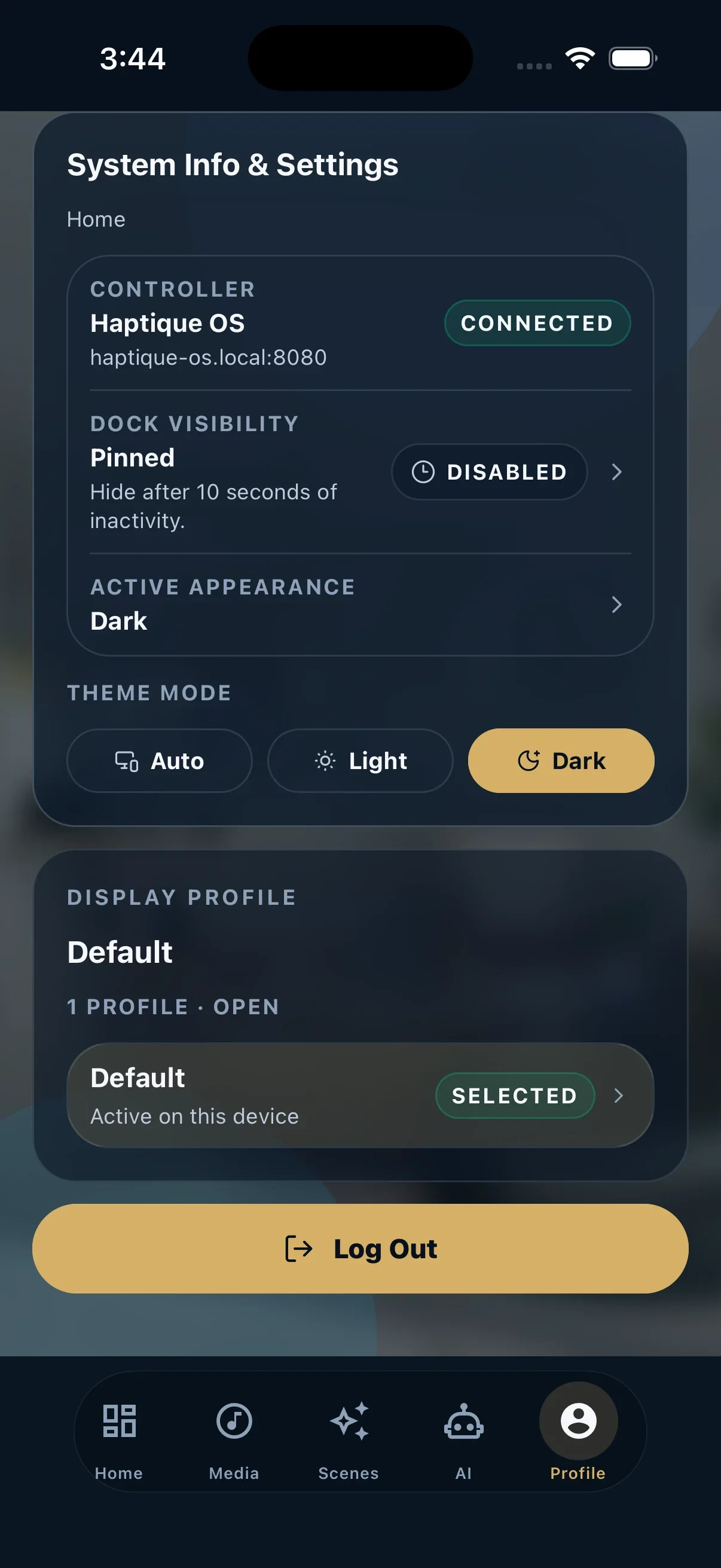
Rooms, scenes, media, HomeKit, climate, and AI in one pocket remote.


Early Access
One Haptique OS suite. One perpetual license.
Fleet server remains free. A single perpetual license activates Haptique OS and Haptique Music, with Remote Control included for the first year.
Get the discounted perpetual license offer first.
The beta is available to download now. Join the waitlist for launch pricing, the founding member offer, and product updates.
- No paid license needed for Fleet server
- Preserves Fleet cloud flow
- Works with existing Fleet users
- Connects existing Fleet accounts and setups
- Separate from local Haptique OS activation
- Launch discount for waitlist members
- Haptique OS local runtime
- Haptique Music activation
- AI agent & voice commands
- Rooms, scenes, integrations, and device control
- Mobile, tablet, and desktop control surfaces
- 1 year Remote Control included
- First year included with the license
- Remote control outside the home network
- Cloud relay for supported setups
- Optional renewal after year one
- Local control keeps working without it
There is no Starter, Pro, or Studio version of Haptique OS. The public launch offer is one perpetual license for the full suite.
Remote Control is included for the first year with that license. After year one, it is an optional add-on.
Launch pricing will be announced to waitlist members. Download the beta now and use myHOS to check available license offers.
FAQ
Common questions.
Do I need internet for Haptique OS to work?
Local device control runs on your home network. Internet is needed for online activation, downloads, updates, and optional Remote Control; connected services may also need internet.
What hardware can I run HOS on?
Use a supported Apple Silicon Mac, Windows PC, Linux x86_64 host, or Docker setup. See the downloads page for the builds currently available.
How does the HomeKit bridge work?
Connect supported devices to Apple Home, then use the Home app and Siri alongside Haptique. Follow the HomeKit setup guide to pair your home.
What is Haptique Music?
Haptique Music is Haptique OS's local-first music command center for local libraries, album artwork, artist browsing, internet radio, queues, zones, groups, and supported home audio outputs. Streaming and provider capabilities depend on connected services and current integrations.
Can I add custom device support?
Yes. Use the driver SDK for specialized gear and installer-specific workflows.
Is my home data sent anywhere?
Telemetry is off by default. Remote Control is explicit and optional.
How does the license work?
Fleet server remains free. Haptique OS and Haptique Music are activated by one perpetual Haptique OS suite license. That license includes 1 year of Remote Control, and Remote Control becomes an optional add-on after the first year.

Acceleration Award 2025
